

SkyRoll: Edge is played in landscape, and the ball can be steered in exactly two ways: Touch Drag and Joystick. You can switch between them at any time.
Touch Drag
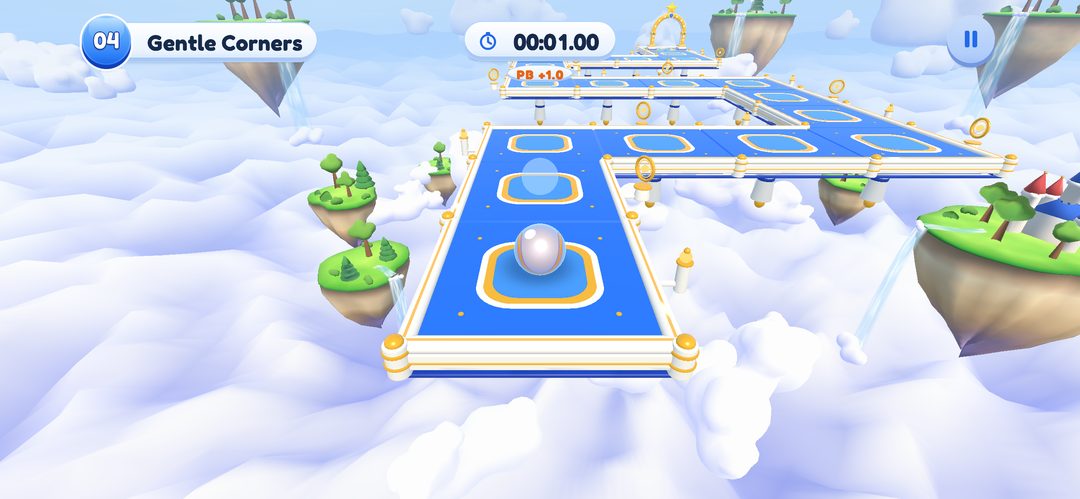
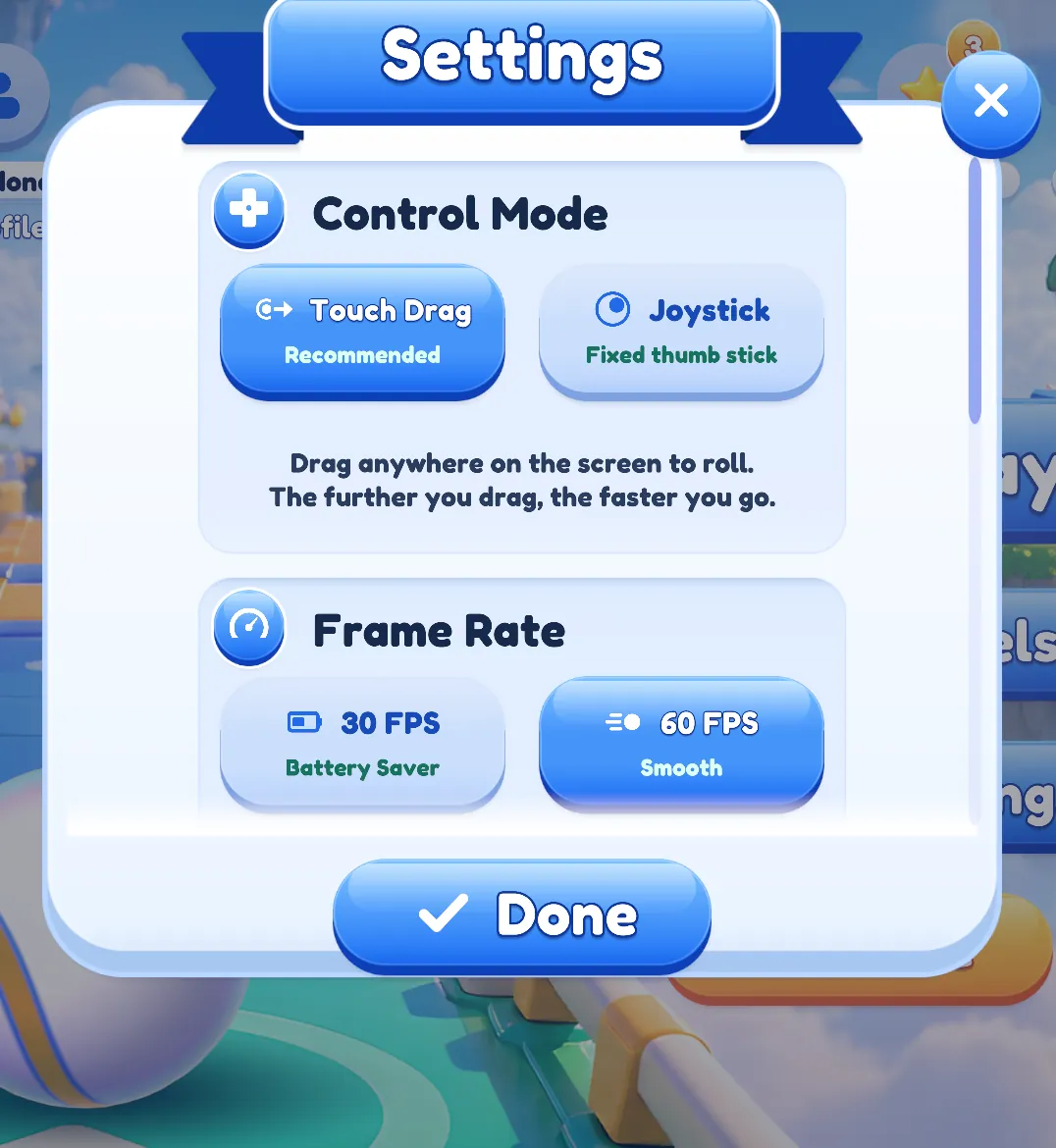
Touch Drag is the default mode. Put a finger anywhere on the screen and drag: the ball rolls in that direction, and the further you drag, the faster it goes.
Joystick
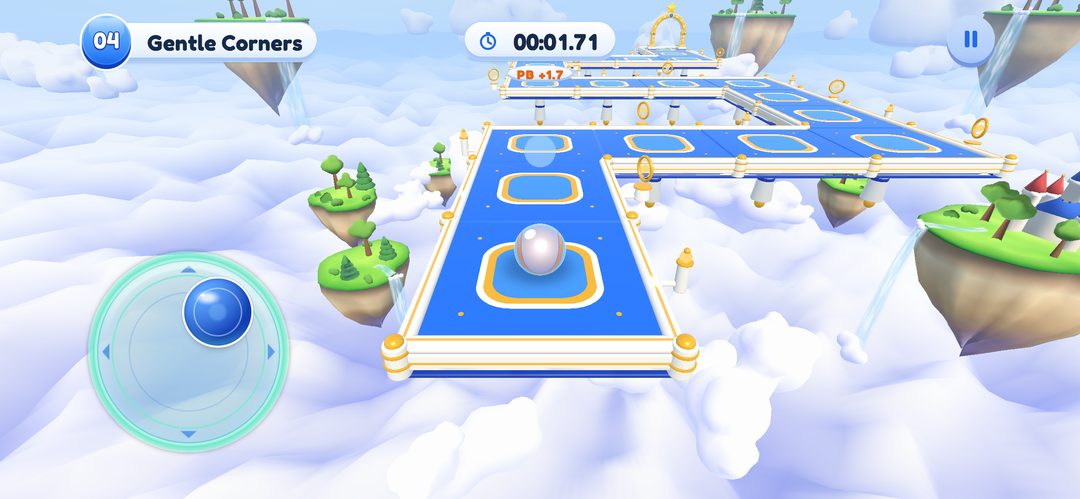
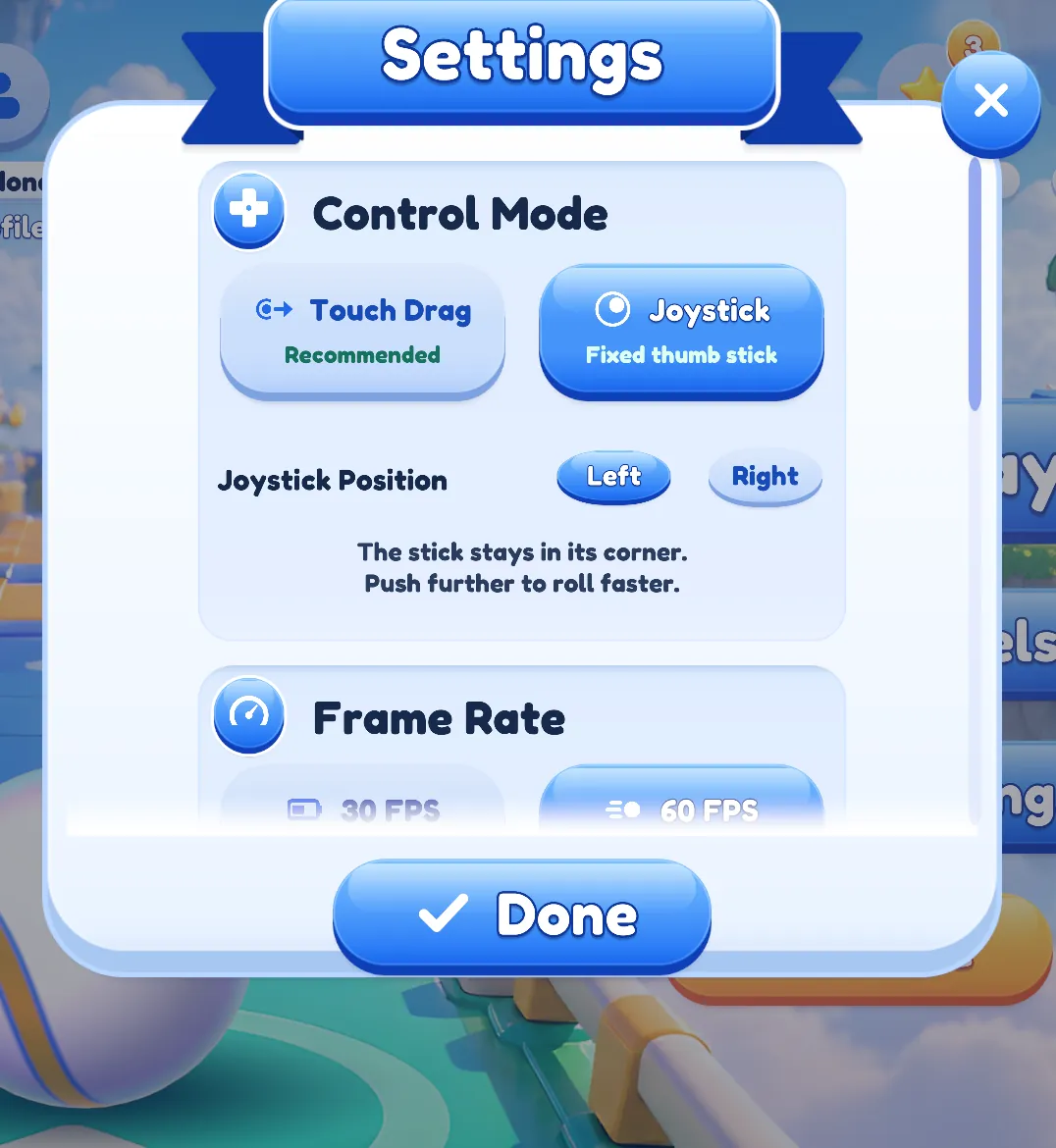
Joystick mode shows a thumb stick that stays fixed in a lower corner of the screen. Push it further to roll faster. In Settings you can place the stick on the left side, which is the default, or on the right.
Switching modes
Open Settings from the main menu and look for the Control Mode block. Touch Drag is marked “Recommended”. When Joystick is selected, a Joystick Position choice appears. The same settings are available from the pause menu, and a change applies immediately, even in the middle of a level.
Which one?
Both modes do the same job, so it comes down to what feels comfortable in your hands. The easiest way to find out is to try each of them on a couple of levels. The full rules are on the how to play page.
All images in this post are “Editor captures”: they were taken in the Unity Editor from the development build and are not photos from a real iPhone. Details may change before release.